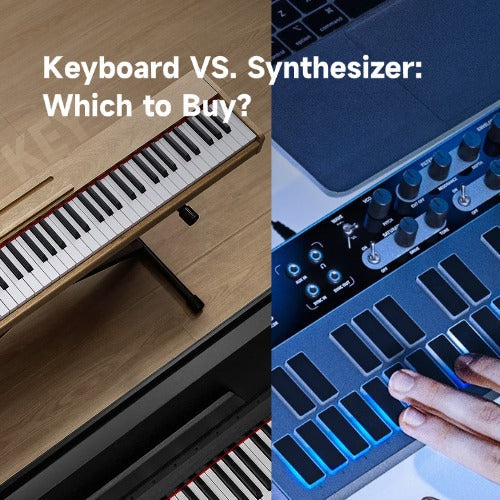








A MIDI keyboard makes no sound on its own. It is a controller — it sends note data to software on your computer, and that software generates the audio. A synthesizer is a self-contained instrument with a built-in sound engine. You plug in headphones, turn it on, and play.
But knowing the definition does not always clear up which one you should buy. The two look nearly identical from a distance — a set of black and white keys in a plastic chassis — yet one costs $100 and the other can run past $1,000. This confusion is exactly what a friend of mine ran into.
He develops indie games. He used to play piano years ago and texted me: "I want to make dark ambient music for my game. Should I get a MIDI keyboard or a synthesizer? I don't want to spend hundreds on the wrong thing." I told him to buy a $100 MIDI controller and install free software. He was skeptical — until I pulled up Vital and Surge XT on his laptop, handed him the controller, and watched him build a pad from scratch in five minutes. No hardware synth required.
That exchange captures the core of the midi keyboard vs synthesizer question. The right answer depends entirely on how you want to make music — your budget, your space, whether you work with a computer or away from it. Here, we walk through every dimension that matters: sound, cost, portability, workflow, and flexibility. Then a decision guide helps you pick.
Table of Contents
- Quick Comparison at a Glance
- Sound Generation — The One Difference That Explains Everything
- Cost — What You're Really Paying For
- Portability & Live Performance
- Creative Workflow — How You Actually Make Music
- Flexibility & Sound Variety
- Can a Synthesizer Work as a MIDI Controller?
- Decision Guide — What Should You Actually Buy?
- FAQ
- Ready to Start Making Music?
Quick Comparison at a Glance
| Dimension | MIDI Keyboard | Synthesizer |
|---|---|---|
| Sound Generation | None — controls software instruments on a computer | Built-in sound engine (oscillators, filters, amp) |
| Required Equipment | Computer, DAW software, audio interface (recommended) | Powered speaker or headphones; no computer needed |
| Device Price (new) | $80 – $300 | $300 – $1,000+ |
| All-In Setup Cost | $230 – $850 | $450 – $1,400 |
| Learning Curve | Moderate — you learn a DAW alongside the hardware | Moderate — you learn synthesis concepts hands-on |
| Portability | Light (1-3 lbs), but needs laptop + cables | Heavier (5-15 lbs), but self-contained |
| Best For | Recording, arranging, exploring multiple genres, piano learning | Live performance, hands-on sound design, playing away from screens |
Sound Generation — The One Difference That Explains Everything
How a MIDI keyboard actually makes sound?
Press a key on a MIDI keyboard. Nothing audible happens. The keyboard sends a digital message — "Note C3, velocity 92" — through a USB cable to your computer. Your DAW receives it, routes it to a software instrument, and that instrument produces the audio. The sound travels from your audio interface to your speakers or headphones.
This chain sounds complicated, but it adds one meaningful number: 3 to 10 milliseconds. That is the round-trip latency of USB MIDI. You will not hear it. You will not feel it. If someone told you MIDI keyboards have lag, they were describing a misconfigured audio buffer — not the technology itself.
The chain also means you never run out of sounds. Swap the VST, and the same key press becomes a grand piano, a 1980s drum machine, or a modular synth patch with 40 cables. Your controller does not care what it controls.
How a synthesizer makes sound?
Turn on a synthesizer. An oscillator generates a raw waveform — sawtooth, square, triangle. That wave passes through a filter that shapes its brightness, then an envelope that controls how the sound attacks and decays. An amplifier brings it to listening level. Plug in headphones. Play.
Every stage of that signal path has a physical knob or slider on the front panel. You turn the filter cutoff and hear the sound darken instantly. You would not trade that for a mouse click. It is the difference between driving a car and describing a route on a map.
The trade-off is real: a MIDI keyboard gives you every sound ever sampled or modeled, but you are tethered to a computer. A synthesizer gives you one instrument that works anywhere — no boot time, no loading screens — but you are limited to the sounds it can make.

Cost — What You're Really Paying For?
The MIDI keyboard path
Most "MIDI keyboard vs synthesizer" articles quote the device price and stop there. That misses the real story.
A MIDI keyboard is the cheapest component of a MIDI-based setup. Here is what you actually spend:
- MIDI keyboard: $80–$300. Entry-level controllers like the Donner DMK-25 sit at the lower end — functional, portable, USB-powered.
- DAW software: $0–$200. Cakewalk and GarageBand are free and fully capable. Ableton Live Intro and Logic Pro cost more but include instruments.
- Software instruments: $0. Vital, Surge XT, Spitfire LABS, and Dexed are free and genuinely excellent. You can produce an entire album without spending a dollar on sounds.
- Audio interface: $80–$150. Not strictly required — you can use your computer's headphone jack — but the latency and noise difference is significant. A budget interface pays for itself in frustration avoided.
- Headphones or monitors: $50–$200. Start with headphones. Monitors need room treatment to sound accurate.
Realistic all-in: $230–$850.
The synthesizer path
A synthesizer eliminates the computer from the equation — but it does not eliminate cost:
- Synthesizer: $300–$1,000 entry-level. You get one sound engine of one character. That is both the appeal and the limitation.
- Cables, power, stand: $30–$80.
- Amplification: $100–$300. A powered monitor, keyboard amp, or quality headphones. The synth has no built-in speaker.
- Audio interface: Optional, but needed if you ever want to record.
Realistic all-in: $450–$1,400.

What the price tag hides?
MIDI keyboards have almost no maintenance. The moving parts are keys and a USB port — both last for years with zero upkeep.
Analog synthesizers age differently. Oscillators drift out of tune over time and need calibration. Potentiometers get scratchy. Vintage units require component-level repairs that a typical musician cannot do themselves. Digital and hybrid synths sit in the middle — more reliable than pure analog, less bulletproof than a MIDI controller.
On the used market, these differences invert. A three-year-old MIDI keyboard sells for 40–60% off its new price. A five-year-old hardware synth often holds 70% of its original value. If you buy used, the MIDI keyboard is the better short-term deal. The synth is the better asset.
Portability & Live Performance
Taking a MIDI keyboard on stage
A 25-key MIDI controller weighs under two pounds. It fits in a backpack. That is where the portability advantage ends.
You also need a laptop, an audio interface, at least two cables (USB + audio), and potentially a DI box if the venue's sound engineer insists. That backpack now weighs 8–12 pounds and contains four points of failure. A loose USB cable mid-set means silence. A DAW crash mid-set means rebooting while the audience stares at you.
Gigging with a laptop is doable — countless electronic artists do it — but it adds complexity that beginners underestimate.
Taking a synthesizer on stage
A hardware synth weighs more — 5 to 15 pounds for most models — but the setup is dramatically simpler. One power cable to the outlet. One audio cable to the PA. Turn it on. Play.
No boot sequence. No operating system update notification popping up mid-show. No temptation to check email between songs. The synth does one thing, and it does it reliably.
There is also a quality-of-life dimension that spec sheets do not capture. If you spend eight hours a day staring at a screen for work, the last thing you may want is to open a laptop to make music. A hardware synthesizer lets you sit down, turn one knob, and be making sound in under ten seconds. That is not a feature — it is a reason to choose hardware.
Creative Workflow — How You Actually Make Music?
The MIDI keyboard workflow
Open your DAW. Create a track. Load a software instrument. Browse presets — there might be 500. Find one close to what you want. Tweak parameters with your mouse. Record a MIDI part. Open the piano roll and fix the notes you flubbed. Add automation lanes for filter sweeps and volume rides. Layer more tracks. Mix.
This workflow rewards precision. You can edit a performance note by note until it is flawless. You can try six different synth sounds on the same melody without replaying anything. You can undo any decision, at any time, forever.
It also chains you to a screen. Your creative relationship is with a cursor, not with the instrument itself.
Best for: producers who arrange full songs, edit performances in detail, and want total recall of every parameter.
The synthesizer workflow
Turn the power on. Turn the cutoff knob until the sound sits right. Turn the resonance until it bites. Play something. Did not like it? Turn more knobs. No menus. No mouse. No preset names to scroll through.
The limitation is the point. You cannot edit individual notes after the fact. You cannot swap the entire sound engine for a string section. You commit to performances, and you commit to sounds. Most producers who move from software to hardware cite this constraint as the reason they finish more music — they stop tweaking and start playing.
Best for: sound designers, live performers, and anyone who wants to play rather than program.
Which genres lean which way
Hip-hop producers gravitate toward MIDI keyboards paired with a DAW. Sampling, chopping, and arranging — the workflow is screen-native. Ambient and drone artists often prefer hardware synthesizers. Long, evolving patches sound different when you turn physical knobs slowly over minutes instead of dragging automation points. EDM producers split the difference: MIDI keyboard for arrangement and mixing, a dedicated hardware synth for basslines and lead sounds that benefit from real-time knob performance.

Flexibility & Sound Variety
A $100 MIDI keyboard paired with free software instruments gives you a larger sound palette than a $1,500 flagship synthesizer.
That is not an exaggeration. Vital alone covers wavetable synthesis, spectral warping, and modulation routing that would require a modular wall in hardware. Surge XT adds subtractive, FM, and physical modeling — also free. Spitfire LABS gives you orchestral textures recorded at AIR Studios. Between these three, you can score a film or produce a track in any genre.
The synthesizer path works differently. You get one sound engine with one character. That constraint is not a weakness — it is the reason people buy hardware. Every synth has a distinct sonic fingerprint shaped by its filter design, oscillator topology, and gain staging. You learn that fingerprint deeply because there is nothing else to reach for.
Option paralysis is real. A MIDI keyboard gives you 5,000 presets, and you can spend an hour browsing them without playing a note. A synth gives you one sound that you shape from scratch, and you are making music in 30 seconds. Neither workflow is objectively correct. They serve different creative personalities.
If you want a middle ground: an iPad running GarageBand or Korg Gadget gives you portable, self-contained sound variety without the cost of a hardware synth. It is not a replacement for either path, but for some people it is a legitimate third option worth considering before spending.
Can a Synthesizer Work as a MIDI Controller?
The line between these two categories has blurred. Many modern synthesizers include USB MIDI output — they function as both a sound engine and a controller for software instruments.
The Donner Essential B1 analog bass synthesizer is a good example. It has a genuine analog signal path — oscillator, filter, envelope — for hands-on bass sound design. It also sends MIDI over USB, so you can use its keys and knobs to control virtual instruments in your DAW when you want more than bass sounds.
This dual identity makes economic sense if your primary goal is hardware sound design and software control is a secondary bonus.
The trade-offs are real, though. Most synths in this category have 25 or 37 keys — enough for basslines and lead melodies, frustrating for two-hand piano parts. They weigh more than a dedicated MIDI controller. They cost more. If you buy a synthesizer intending it to replace a MIDI keyboard, you will miss having 49 or 61 full-size keys the first time you try to play chords across two octaves.
Who this category works for: someone who wants to learn synthesis on real hardware and occasionally needs to control VSTs — not someone who primarily wants a DAW controller that happens to make sounds.

Decision Guide — What Should You Actually Buy?
Remember my game composer friend? The answer was a $100 MIDI keyboard and free software — not because hardware synths are worse, but because his specific constraints (budget, genre, existing computer) pointed that way.
Here is the framework so you can find your own answer.
Buy a MIDI keyboard if:
- You already own a computer and do not mind using it for music
- Your total budget is under $400
- You want to explore multiple genres before committing to a particular sound
- You plan to record, arrange, and mix full tracks in a DAW
- You are learning piano and need 61 or more full-size, weighted keys
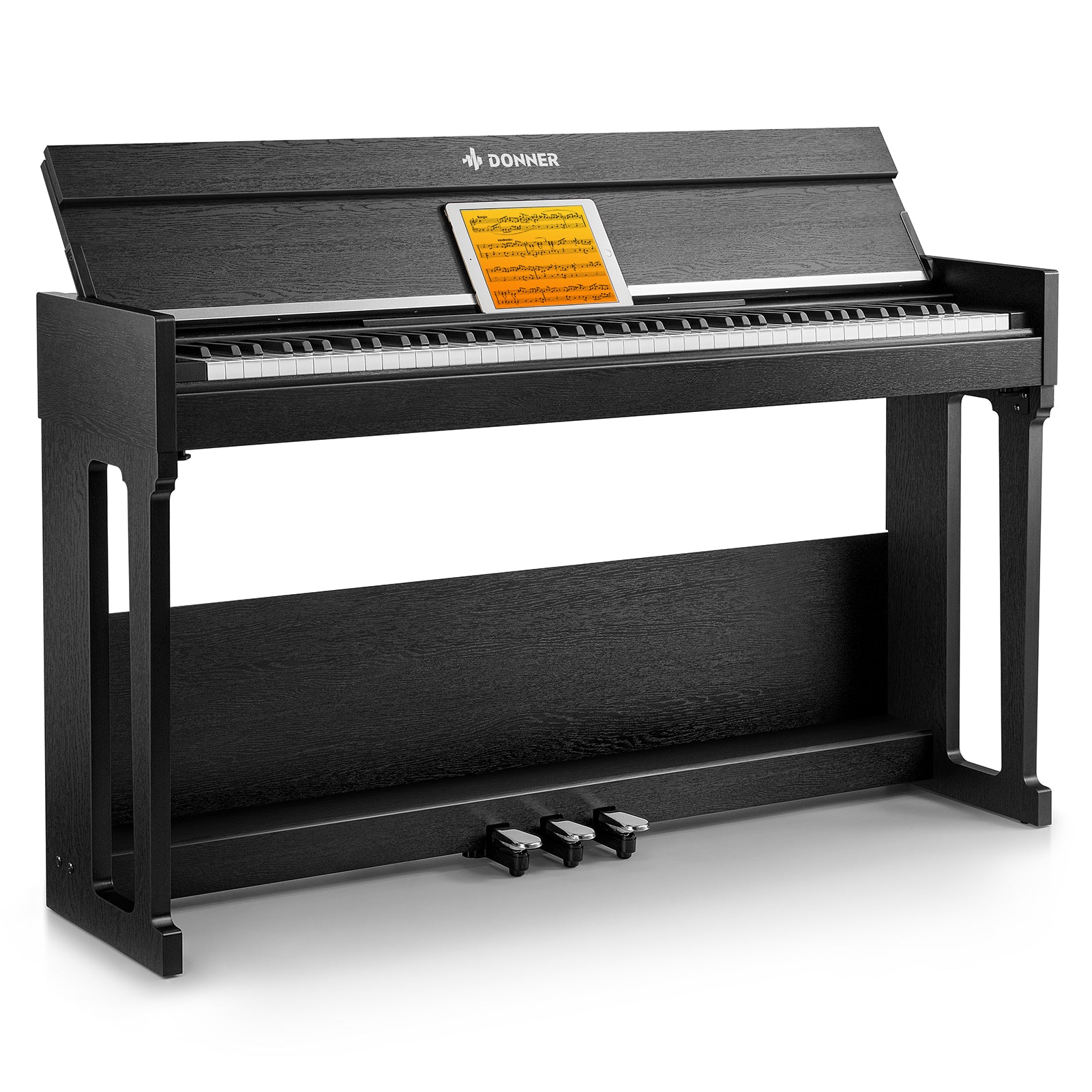
- You already own a digital piano with USB MIDI out — you may already have a controller
Buy a synthesizer if:
- You want to make music away from a computer screen
- You perform live and do not want a laptop on stage
- You specifically want hands-on sound design with physical knobs and no menus
- Your budget is $500+ and you are committed to one instrument's sonic character
- You already own a MIDI keyboard and want to add a hardware voice to your setup
Quick setup for either path
MIDI path: Pick a 25-key or 49-key controller — most brands, including Donner's MIDI keyboard collection, offer affordable entry models. Download a free DAW (Cakewalk for Windows, GarageBand for Mac). Install free instruments — Vital, Surge XT, and Spitfire LABS cover every genre. Plug the controller in via USB. You are making sound within 20 minutes of unboxing.
Synth path: Connect the synth to a powered monitor, keyboard amp, or headphones via a standard 1/4-inch instrument cable. Turn it on. Play. Add an audio interface later when you are ready to record. No computer needed at any step unless you choose to connect one.
Quick decision flowchart
1. Have a computer and comfortable using it for music?
→ Budget under $400? → MIDI keyboard.
→ Budget $500+ and want hardware knobs? → Synthesizer.
2. No computer, or want to avoid screens entirely?
→ Synthesizer.
3. Want both worlds in one device?
→ Synthesizer with USB MIDI — you get hardware sound plus software control as a bonus.
4. Already own one?
→ Get the other. The two work together, not against each other.
[IMG: Simple decision flowchart graphic — MIDI keyboard setup on left, synthesizer setup on right, with arrows pointing from user scenarios to each path]
FAQ about Synthesizer & Midi Keyboard
Can you use a MIDI keyboard without a computer?
Yes — with an iPad, a hardware sound module, or a standalone groovebox. But the vast majority of MIDI keyboard setups require a computer or tablet to produce sound.
Which is better for a complete beginner?
A MIDI keyboard. Lower financial risk ($80–$150 entry), a massive library of free sounds, and the ability to switch genres without buying new gear. If you start with a synth and realize six months later that you actually want to make orchestral music, you need a new instrument. With a MIDI keyboard, you just load different software.
Do I need an audio interface for a MIDI keyboard?
Not for the keyboard connection — USB handles MIDI data. But you will want one for clean, low-latency audio output. A computer's built-in headphone jack adds noticeable delay and noise compared to even a budget interface.
How many keys do I need?
- 25 keys: portable, adequate for basslines and one-hand melodies.
- 49 keys: the studio sweet spot — enough range for most parts without eating desk space.
- 61 keys: two-hand playing across a comfortable range.
- 88 keys: full piano range with weighted or hammer action. Mini keys work for synth lines; they will drive you crazy if you are learning piano.
Are hardware synths worth the money in 2026?
For hands-on sound design and live performance — absolutely. For studio-only production where you are recording into a DAW — software synthesizers have caught up in raw sound quality. Buy hardware for the tactile experience and the creative constraints, not because you believe it inherently "sounds better."
Can I learn piano on a MIDI keyboard?
Yes — if it has full-size keys and a minimum of 49 keys (61 heavily recommended for anything beyond beginner pieces). Weighted or hammer-action keys are not optional for building proper finger strength over months of practice. A 25-key mini controller will not work for piano learning.
Do I need both a MIDI keyboard and a synthesizer?
Not to start. Most producers begin with one and add the other later if their workflow demands it. If you start with a MIDI keyboard and later crave hardware, adding a desktop synth module gives you analog character without replacing your controller. If you start with a synth and later need to record full arrangements, adding an affordable MIDI keyboard is cheaper than buying a new instrument.
Ready to Start Making Music?
The midi keyboard vs synthesizer question is not about which device is objectively better. It is about which fits your space, your budget, and how you want to make music. If you are still unsure, start with a MIDI keyboard and free software. You will know within a month whether you crave hardware — and if you do, your MIDI keyboard will still be useful alongside any synth you buy later.
Donner has been building solid electric musical instruments for musicians at every stage of that journey. Whichever direction you choose, the important thing is to start.