






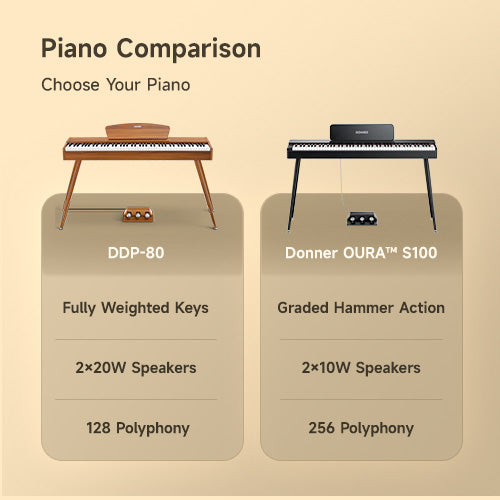
Choosing a starter digital piano is easier when you decide what it needs to do before comparing model numbers. This digital piano buying guide takes you from playing goals and key feel to room layout, useful connections and the cost of a complete setup.
There is no single specification that makes a piano right for everyone. The three instruments below illustrate different choices along that route; they are not a ranking or a requirement to buy the same type of piano.
Table of Contents
- Set Your Priorities Before Comparing Models
- Choose the Key Range and Action You Need
- Pick a Setup That Fits Your Room and Routine
- Match Practice Features and Connections to Your Routine
- Listen for the Sound You Actually Like
- Compare the Complete Setup Cost
- Digital Piano Buying Questions
- Make the Final Fit Check
Set Your Priorities Before Comparing Models
Write down the music you want to play, any lesson requirements, where the piano will stay and whether you will move it after practice. Then set a spending ceiling for the usable setup, including the support, seat and listening equipment you still need.
Separate must-haves from optional extras. For example, a full-range keyboard may be important for your planned pieces, while a library of accompaniment sounds may have no role in your lessons. Keep this short list beside you as you compare instruments.
Work Through the Buying Decisions in Order
Start with the playing task, because it determines which compromises are acceptable. Next choose the key range and action, find a workable place for the instrument, and identify the practice tools and connections you will use. Listening and a complete-cost check can then narrow a shortlist built around your needs.
Choose the Key Range and Action You Need
Key count, physical action and touch response answer separate questions. An 88-key instrument gives you the full piano range; a shorter keyboard limits the notes available. Look at the music you intend to learn to decide whether that smaller range would get in the way.
The action is the mechanism you feel under your fingers. Touch-response settings change how playing force affects the sound, not whether the keys are physically weighted. Where an in-person trial is possible, play a familiar short passage softly, then more firmly, and repeat a few notes. Note the range you need and the response you prefer before moving on.
Donner DEP-20 Weighted Keys With Variety

Pros
- Weighted hammer action
- 238 instrument tones
Cons
- Stand sold separately
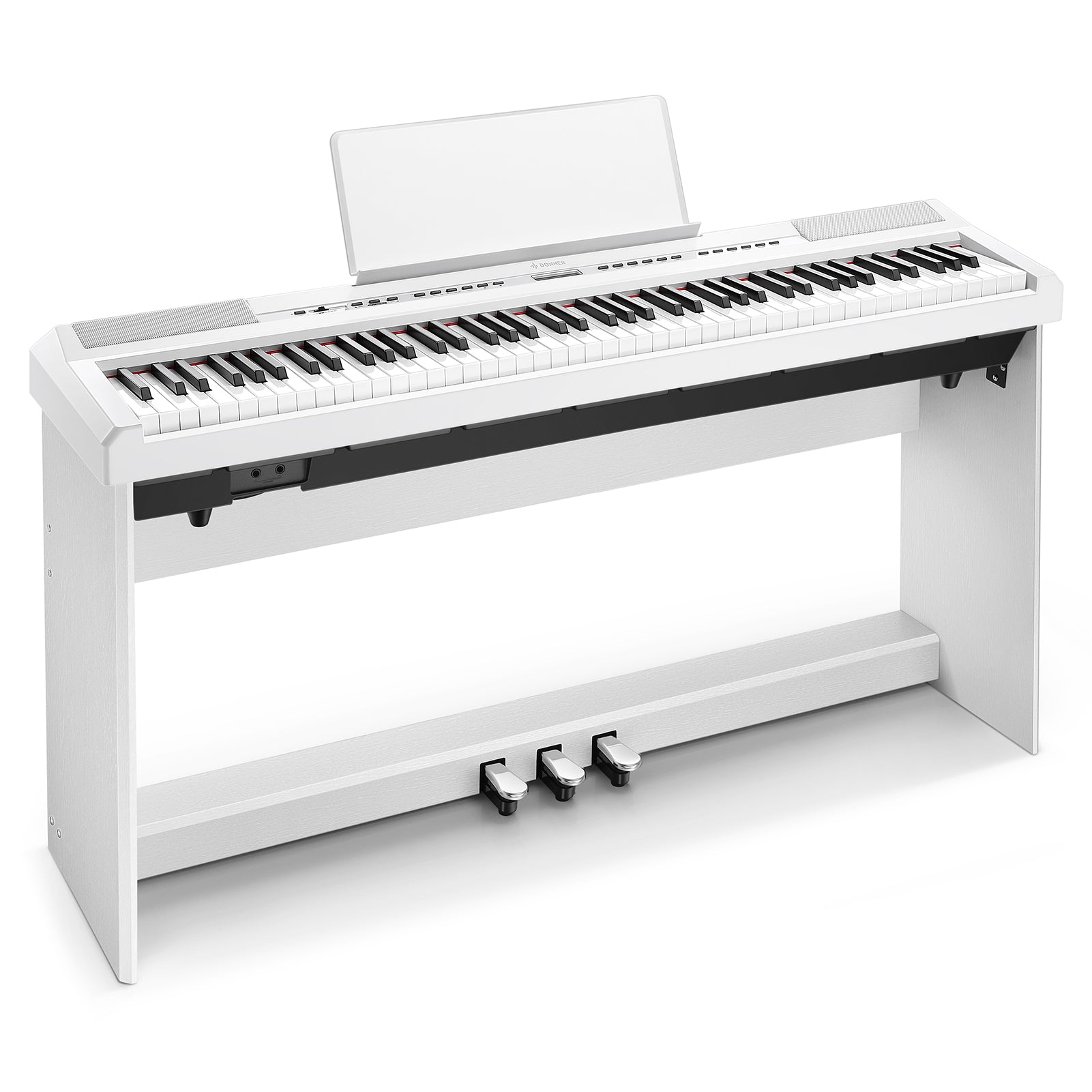
If full range and physical key resistance lead your shortlist, Donner DEP-20 digital piano illustrates that route with 88 hammer-action keys. Its 238 tones let you keep sound exploration as an option without choosing a lighter mechanism. The remaining decision is how to support the instrument in your room.
Adjustable touch response changes the sound's reaction to your playing, and dual-tone layering combines two voices for an arrangement. A backlit LCD helps with selecting tones and functions. The selected option is a portable body with support separate, so include a stable stand in the complete cost.
Pick a Setup That Fits Your Room and Routine
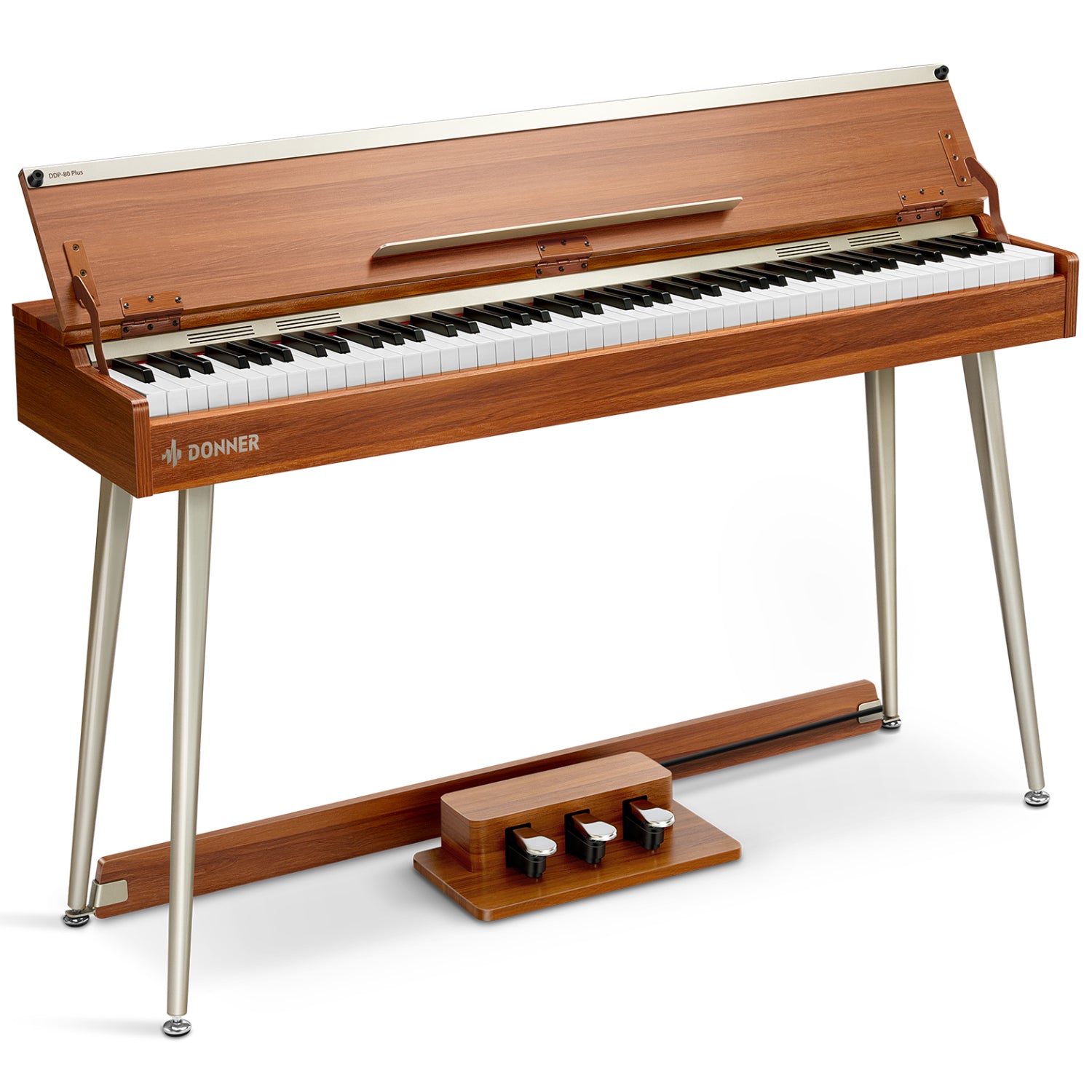
A separate keyboard and stand can suit a room that changes use, while a console-style piano can stay assembled with its pedals in place. Allow room for the seat and your feet, not just the width of the keys. Measure the complete playing position and decide whether you want a fixed station or a setup you can put away.
An arranger or stage format is relevant when its accompaniment, speaker or performance arrangement serves your task. The category name alone does not settle the support or listening equipment you will need.
Donner DDP-75 Feature-Rich Home Practice

Pros
- Weighted hammer action
- Accompaniment and recording
Cons
- 31 kg furniture instrument
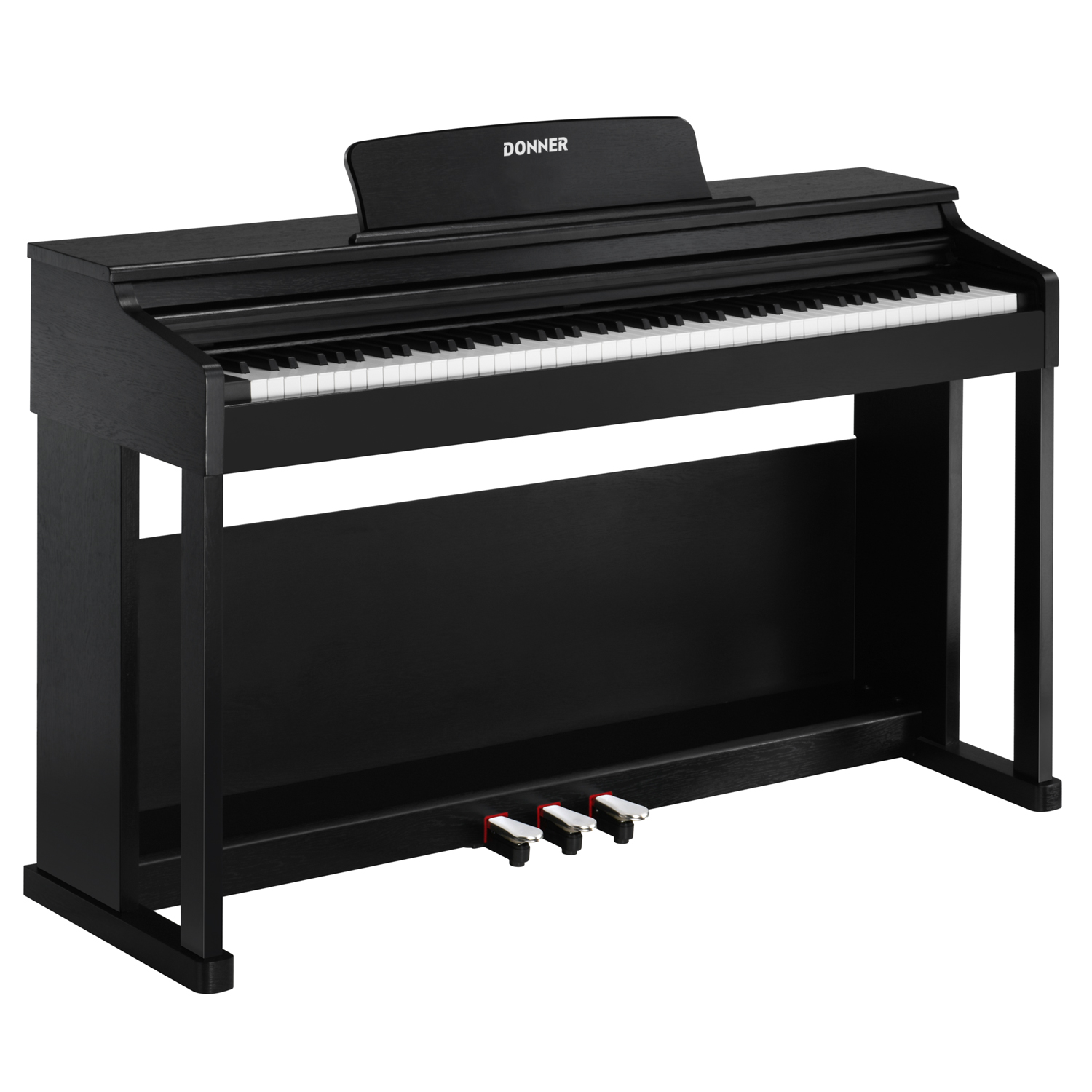
For a measured location where the piano can stay assembled, Donner DDP-75 digital piano illustrates the cabinet route. Its 88 hammer-action keys, lid and three-pedal setup bring the playing position together; the 31 kg furniture format makes planning that location important.
Its 238 tones, 200 rhythms and recording/playback functions give accompaniment and reviewing a passage a place in the same instrument. The 128-note polyphony describes simultaneous voices, rather than the number of sounds in the menu.
Match Practice Features and Connections to Your Routine
Name the functions you will use during a normal session: perhaps a metronome, a passage recorder or a particular pedal arrangement. Then describe what each connected device must do. Hearing backing music, sending notes to lesson software and recording the piano's sound are different tasks.
MIDI carries performance information, such as which notes you play; audio carries sound. Match each task to the exact model's supported connection. Finish with a short must-have list covering practice functions, pedals and the required audio or MIDI route.
Donner DEP-1S Flexible First Setup

Pros
- Full 88-key range
- Adjustable X-style stand
Cons
- Semi-weighted rather than hammer action
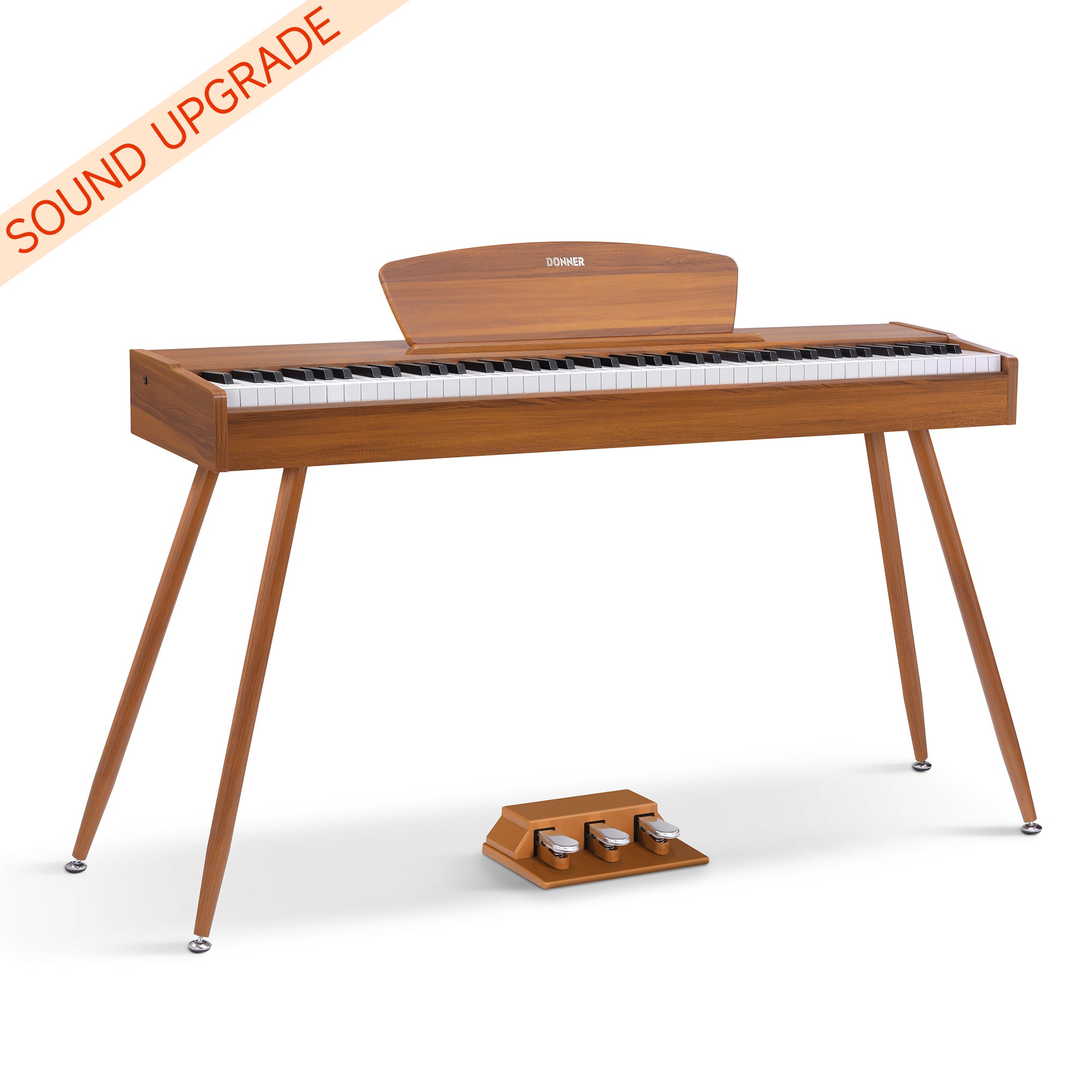
For a routine built around chords, songs and flexible room use, Donner DEP-1S digital piano offers 88 semi-weighted keys and a separate adjustable double-X stand. The lighter action is a conscious choice, not a substitute name for hammer action. A metronome and internal note recording/playback can support practising and reviewing a passage.
The standard kit lists an adjustable double-X stand, sustain pedal, music rest and adapter. Its 128 tones and 100 rhythms support exploring songs, while a metronome and internal note recording/playback give you ways to practise and listen back. The separate support allows a different room arrangement from a furniture piano.
Listen for the Sound You Actually Like
Listen to the exact instrument through the equipment you expect to use. If most practice will use its speakers, hear a familiar phrase through those speakers at a comfortable level. If you will wear headphones, repeat the comparison that way.
Notice how the sound responds when you play quietly and firmly. A voice count tells you how many sounds are available, not which piano tone you will enjoy. Keep your listening preference separate from your judgment of the key mechanism.
Compare the Complete Setup Cost
For each shortlisted configuration, mark the support, seat, pedals, adapter and headphones as included, already owned or still needed. Add only the missing items required for your routine. A portable body and a furniture package are comparable once both totals describe a usable practice station.
Before choosing, confirm the selected option against that list and try the everyday controls and pedal position where possible. You should finish with a complete cost and a clear account of what will arrive, not a total based on the accessories in a photograph.
Digital Piano Buying Questions
Do Digital Pianos Need Tuning?
Digital pianos do not need the regular string tuning required by acoustic pianos. A particular model may offer an electronic pitch adjustment, but that is not an acoustic tuning service; check the exact model’s manual for its adjustment options.
Will Headphones Make a Digital Piano Completely Silent?
No. Headphones let you hear the instrument electronically but do not eliminate mechanical key and pedal movement noise, which can still be audible in the room. If low-noise practice matters, try it in your intended space.
Make the Final Fit Check
Return to your playing needs, measured placement plan and connection list. The right shortlist consists of instruments that satisfy those priorities within the complete setup cost.
Whether you are comparing a digital piano for home or other electric music instruments, your next step is to confirm the exact configuration against your checklist before purchasing.