





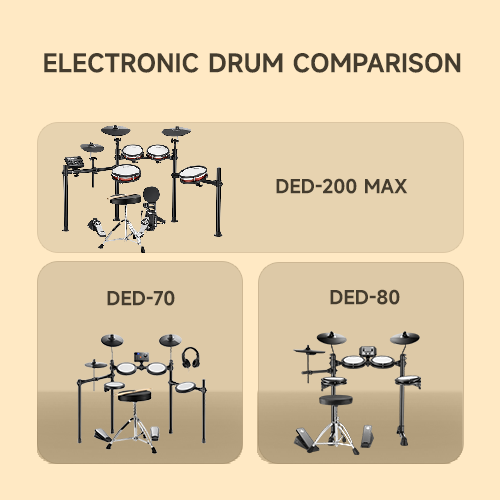

A drum pad can add electronic sounds to an acoustic kit, give you a quiet surface to practice on, or shrink a whole kit down to fit a desk. The right choice depends on which of those jobs you need. A tabletop kit gives the most drum layout in the smallest footprint, a single pad works best as an add-on, and a sampling pad is built for performance. If you are also comparing a full electronic drum set, a pad is the smaller, more targeted option.
The five picks below run from a portable tabletop kit to professional sampling pads. Sampling means playing recorded sounds from the pad, looping repeats a recorded phrase, and trigger expansion adds more pads or pedals through extra inputs. Each pick sits in the job it fits, so you can match it to how you will play.
The Best Electronic Drum Pads at a Glance
- Donner Beat Go Electronic Drum Set: best portable tabletop kit
- Roland SPD-SX PRO: best professional sampling pad
- Alesis Strike MultiPad: best all-in-one sampling pad
- Korg MPS-10 Drum, Percussion and Sampler Pad: best for live percussion
- Alesis SamplePad 4: best simple starter pad
Donner Beat Go Electronic Drum Set Best portable tabletop kit

Pros
- Mesh pads with a full-kit layout
- Packs into a backpack-style bag
- USB charging for practice anywhere
- Training software and lessons included
Cons
- Pad-based kit, not a full-size drum set
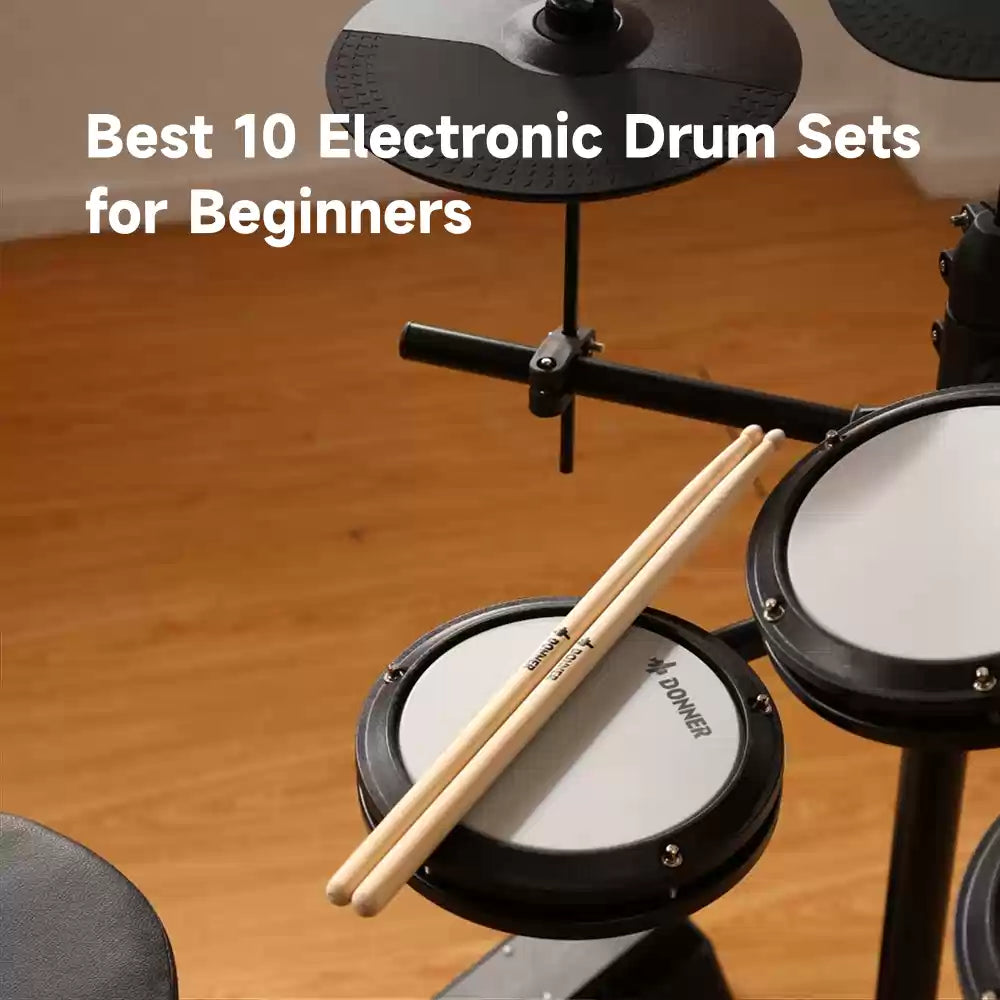
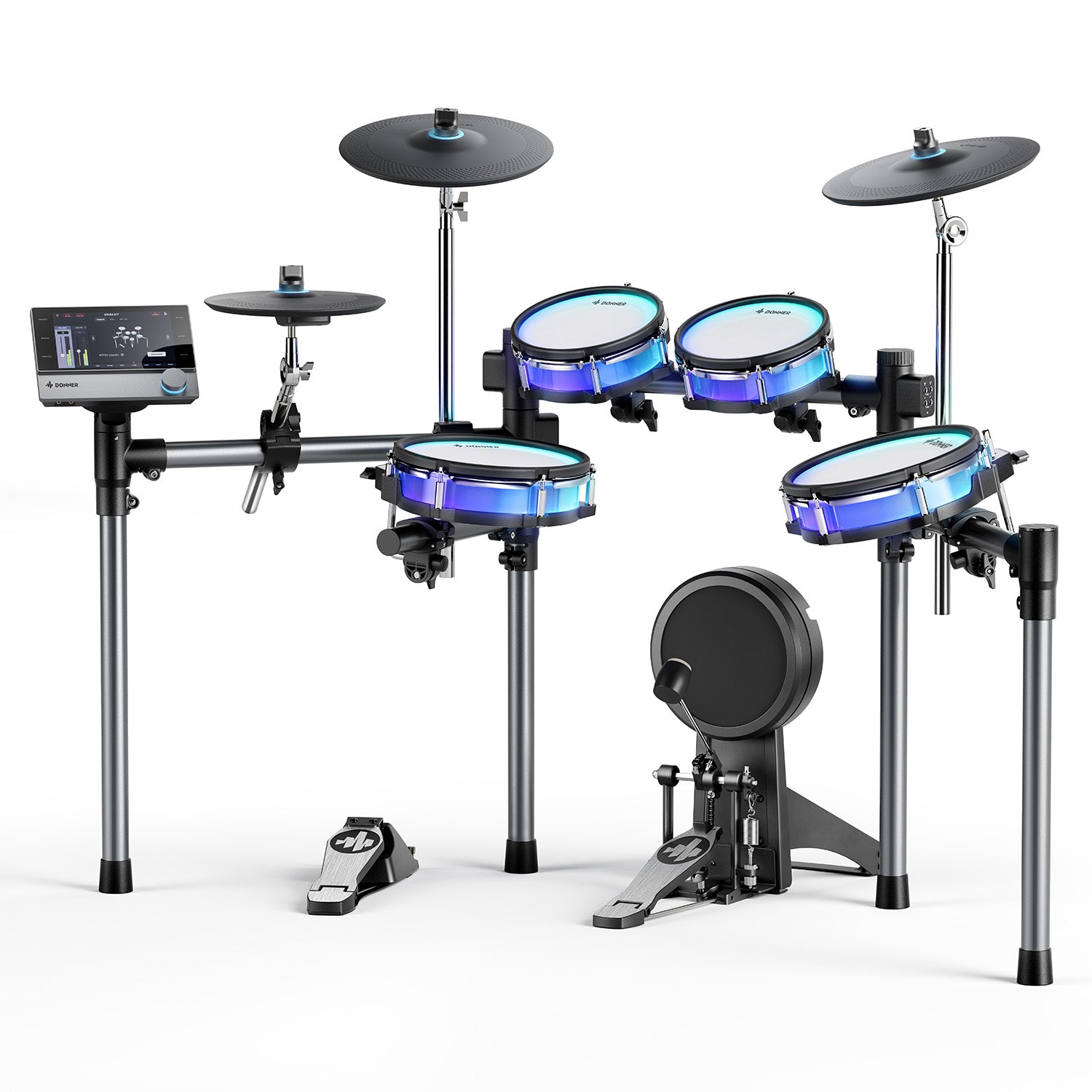
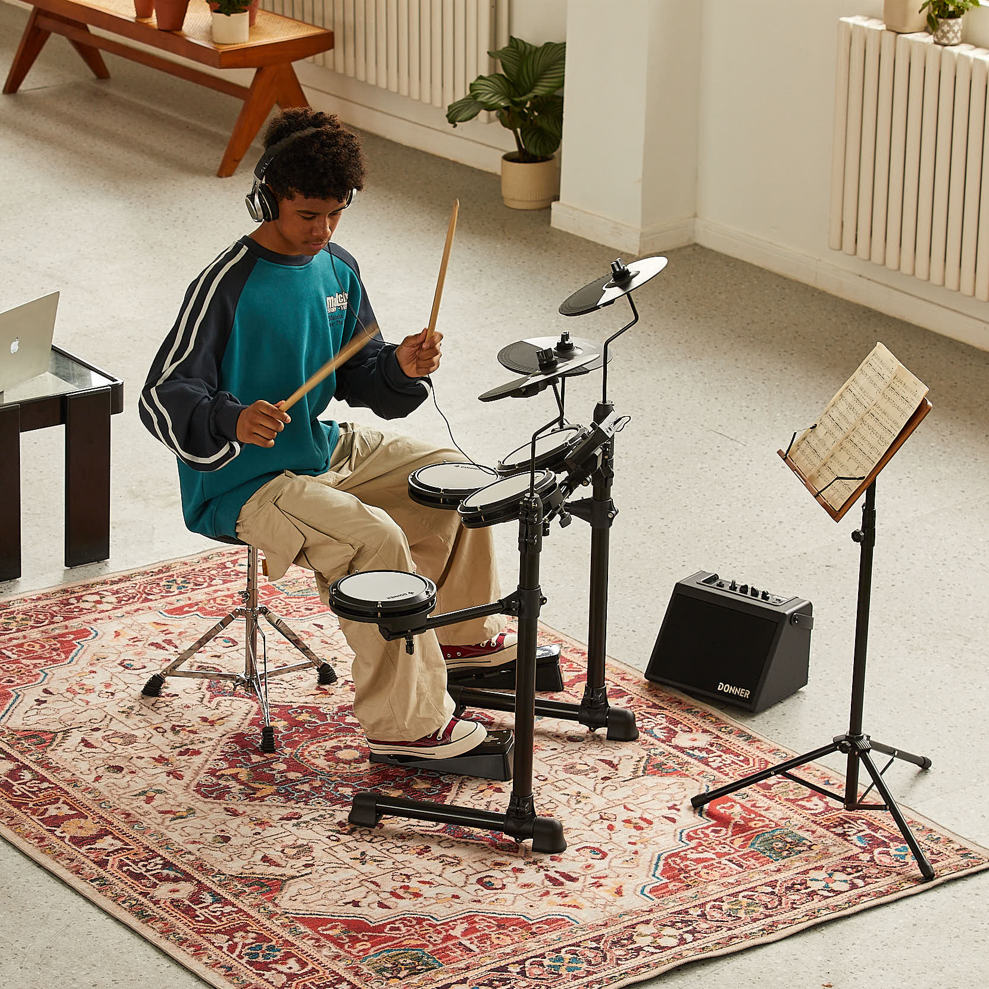
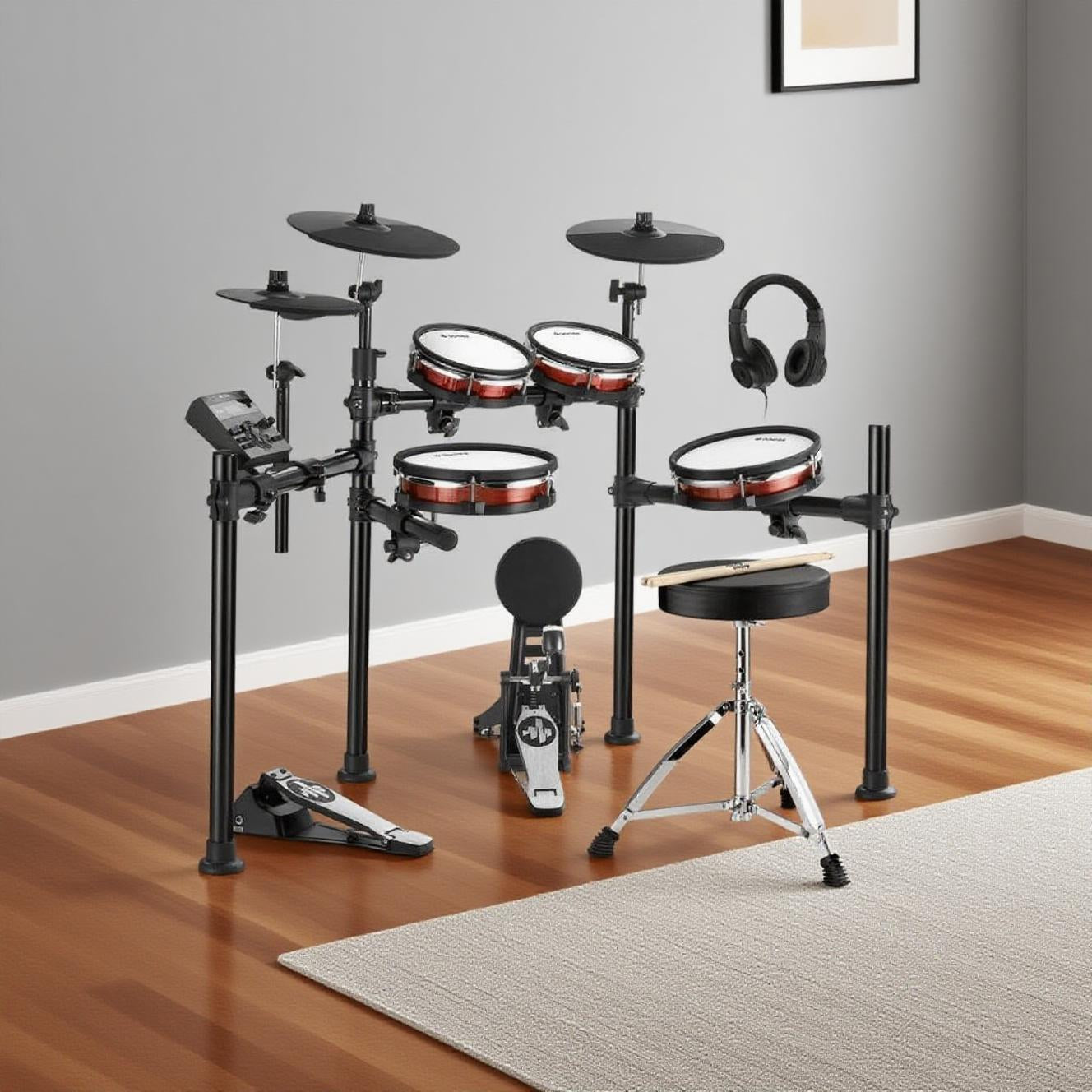
A drummer who wants a small pad-based kit for a desk, a dorm room, or travel gets a realistic layout in the Donner Beat Go Electronic Drum Set. It is a compact tabletop kit, not a full-size drum set, but its mesh pads and raised cymbal layout mimic a full kit's arrangement, so the layout stays familiar. Mesh pads help keep practice quiet compared with an acoustic setup.
The set includes 15 drum kits, 180 voices (the individual sounds), and 30 demo songs. Cymbals detach with the included drum key, so the set fits a 20 x 18 inch backpack-style carrying bag, and it weighs about 4 kg. It charges over USB Type-C, which lets you practice away from an outlet.
An upgraded compact pedal gives steadier triggering, meaning hits register more consistently. Interactive training software and lessons help a new player build a routine.
Roland SPD-SX PRO Best professional sampling pad
Pros
- Large color display and trigger lights
- 32 GB of internal memory
- Imports backups from the earlier SPD-SX
Cons
- Deep control means more to learn
For a working percussionist or electronic artist who triggers samples and loops on stage, the Roland SPD-SX PRO is the flagship sampling pad in Roland's range. A large color display and customizable multi-color trigger lights help you keep track of the setup during a performance.
Expanded audio outputs and trigger inputs, along with expression pedal control for the hi-hat and effects (pedals that change a sound continuously as you press), let the pad grow with a larger rig. The unit has 32 GB of internal memory, and a dedicated app speeds up kit editing.
Workflow tools cover time stretching (changing a loop's length without changing its pitch), mute control for tracks and external triggers, and automatic BPM detection (BPM is beats per minute, and the unit finds the tempo for you). Upgrading is easier because the unit can import backups from the earlier SPD-SX.
Alesis Strike MultiPad Best all-in-one sampling pad
Pros
- Nine pads with a sampler and looper
- Records from a phone or microphone
- USB interface for recording
Cons
- Nine pads, not a full drum layout
A performer who wants one pad to sample, loop, and trigger a whole set of sounds without a laptop will find the Alesis Strike MultiPad covers those jobs in one unit. It has nine velocity-sensitive pads (pads that respond to how hard you hit) with customizable RGB lights (lights you can set to any color) and a 4.3-inch color display.
The unit ships with more than 8,000 samples and loops, and its 32 GB of storage holds over 6 GB of content. The built-in sampler records from USB, a smartphone, a microphone, or another audio device, and the audio looper records and repeats your pad performances.
Five effects processors cover kit effects, master effects, and dynamics (effects that shape volume). The unit works as a USB audio and MIDI interface (a link that carries sound plus performance data to a computer), and its external trigger and pedal inputs leave room to expand.
Korg MPS-10 Drum, Percussion and Sampler Pad Best for live percussion
Pros
- Expressive pads for real-time control
- Built-in sampler and four-track looper
- Foot switch and trigger inputs
Cons
- Built for percussion, not a full drum layout
A percussionist who needs expressive, real-time control and looping in a single pad unit will find the Korg MPS-10 Drum, Percussion and Sampler Pad built around live work. Six drum pads sit alongside four CC (continuous controller) pads, which respond to ongoing hand control rather than a single hit.
A built-in sampler and a four-track looper let you build parts on the fly, with a separate track for each layer. Inputs for external triggers and foot switches (pedals you press with your foot) let the unit grow into a hybrid setup that combines acoustic and electronic sounds.
The unit is designed for durability and precise triggering, which matters when a performance depends on every hit landing the same way.
Alesis SamplePad 4 Best simple starter pad
Pros
- Simple four-pad layout
- Built-in library of 25 sounds
- Loads your own samples over USB
Cons
- Four pads, a smaller playing surface
A beginner, or a drummer who plays live shows and wants a simple pad for extra electronic sounds and one-shot samples (a single recorded sound that plays once per hit), will find the Alesis SamplePad 4 easy to start with. Its four responsive rubber pads have blue LED lighting, and a built-in library of 25 percussion and electronic drum sounds spans 10 preset kits.
A dual-zone trigger input (one jack that reads two zones on an extra pad) adds expansion. The pad loads samples and loops from SD or SDHC memory cards up to 32 GB, the same kind of card used in cameras, and each card can store 89 user kits and 512 samples.
Drag-and-drop over USB from a Mac or PC loads your own samples, and USB-MIDI (a data link that carries performance information to software) connects the pad to software instruments and recording programs. Sounds can be tuned and given reverb for quick tone shaping.
How to Choose an Electronic Drum Pad
Four checks help you match a pad to the job. Start with the type of unit you need, then look at the pads and how they respond, the sounds and sampling options, and how the unit connects to the rest of your setup.
Pad Kits, Multipads, and Sample Pads
A pad kit is a tabletop set you play like a drum set, with a layout of pads and cymbals. A multipad is a single unit with several pads that you add to an existing setup to trigger sounds, samples, and loops. A simple sample pad is the smallest option, with a few pads and a basic library for one-shot sounds.
Pads, Zones, and Feel
Pad count sets how much of a drum layout you can reach, while pad material and velocity sensitivity (how a pad responds to hit strength) change the feel. A dual-zone pad (one that reads the center and the rim) lets one pad play two sounds. Placement matters too, since a pad you can reach without twisting your body keeps the stroke relaxed.
Sounds, Sampling, and Looping
Built-in libraries get you playing right away, while a sampler lets you record or load your own sounds. Check the sample storage, the effects, and whether the unit records loops, because those decide how far the pad can go. A large library is useful, but the sounds you actually play matter more on a stage.
Triggers, Pedals, and Recording
Trigger inputs (jacks for extra pads) let you grow a setup, and pedal inputs add foot control. USB audio and MIDI connect the pad to a computer for recording, and headphone or line outputs (a line output sends a clean signal to a mixer or speaker) decide where the sound goes. Check these before you buy so the unit fits the way you will play it.
FAQ About Electronic Drum Pads
The answers below cover the questions that come up most when comparing pads.
What is an electronic drum pad?
An electronic drum pad is a rubber or mesh surface that sends a signal when you hit it, and a sound module or software turns that signal into a drum sound. A pad kit is a tabletop set with several pads and cymbals, a multipad is a single unit that adds sounds, samples, and loops, and a simple practice pad is the smallest option for quiet work.
Do you need a sound module to use a drum pad?
Usually not. Most pads have built-in sounds, so you can play right away. Some pads work as controllers instead, sending a signal over USB or MIDI to a sound module, a computer, or drum software that makes the sound.
Can a drum pad be added to an acoustic kit?
Yes. Pad units with trigger inputs and mounting hardware let an acoustic player add electronic sounds and loops without buying a second kit. Check that the unit has the trigger inputs you need, because the connections decide what you can add.
Are electronic drum pads good for beginners?
A pad kit can be a good start, since it teaches timing and limb independence (playing different limbs with different patterns) while staying quiet. A multipad is usually a later addition for players who already have a kit, because it adds sounds and samples rather than the basic drum layout.
Find Your Electronic Drum Pad at Donner
Match the pad to the job first, then choose the connections and sounds that support it. For more options, the electronic music instruments range is the place to compare Donner's electronic drum gear before you decide.